
The thing most people miss
When someone asked Arjita Sethi in the Oct 1 session how to connect Gmail but only share some of it, her answer was direct: you can't filter it. Either you connect the account or you don't. So the real decision happens before you click connect, when you choose which inbox to give it.
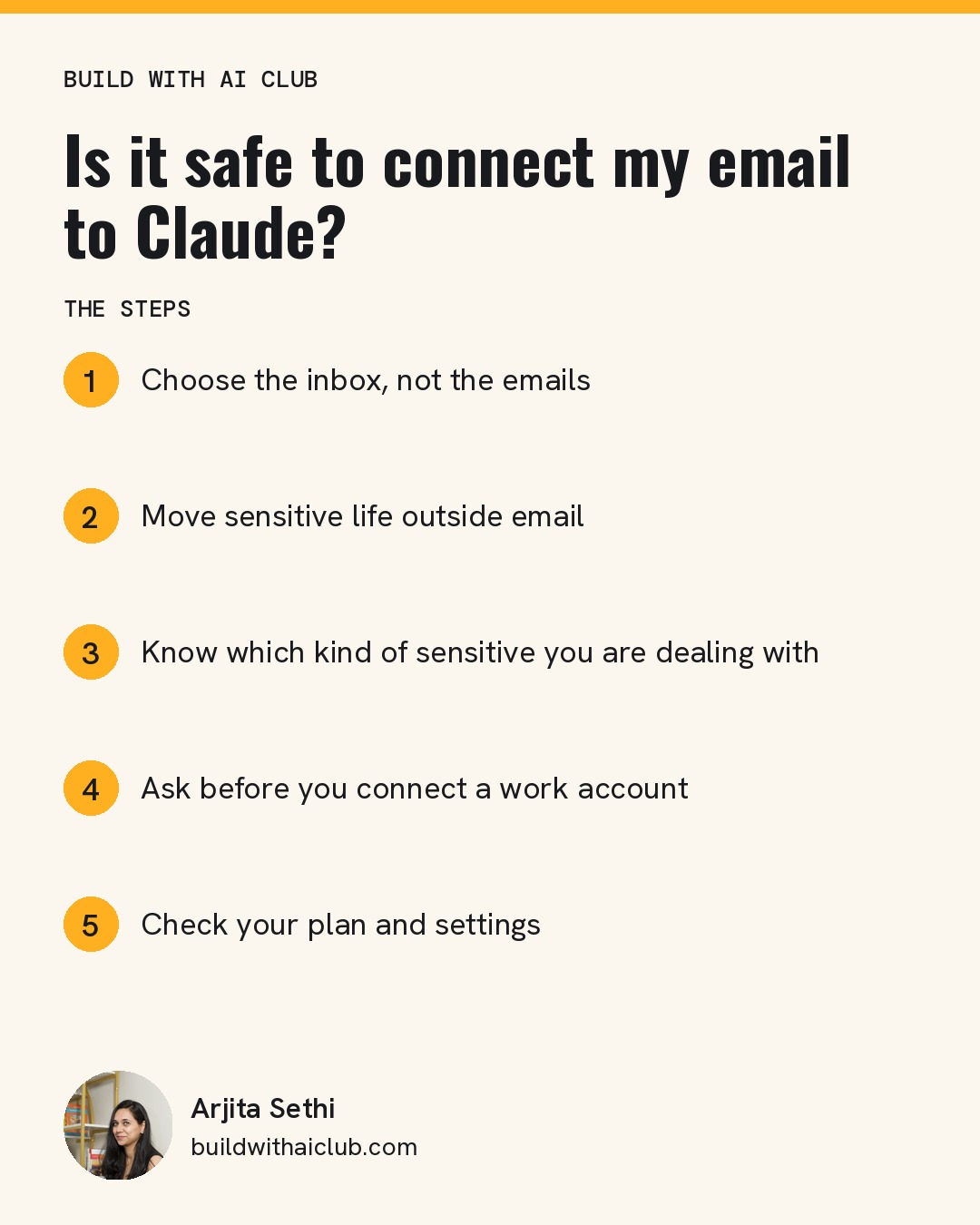
Step 1: Choose the inbox, not the emails
Arjita works across several businesses, so she has three work inboxes connected, one through Gmail, one through Microsoft and one through Superhuman, because each connector handles one account. Her personal email isn't connected at all. She describes it as twenty years old with 12,000 unread messages, and she's happy to keep it out.
If you only have one inbox that mixes everything, consider moving work mail to a separate account before connecting.
Step 2: Move sensitive life outside email
Arjita's child's school messages don't come to email. They come through a private app the school uses. For family time, she keeps a separate family calendar on her work account that only blocks out hours, without personal details. Her AI knows when she is unavailable and never knows why.
Step 3: Know which kind of sensitive you are dealing with
People often lump very different things together. Arjita separates them into buckets:
- NDA material means you've agreed not to disclose information to the public. Using a work tool to do the work, the way you would use Canva or a project manager, is a different thing from disclosure.
- PHI (protected health information) and compliance data come with legal rules. They belong only in tools and plans your organization has approved for them.
- Private information is anything personal you simply don't want in a system yet. That's your call.
Step 4: Ask before you connect a work account
If you work for someone else, ask your employer first. Many companies are still choosing their AI tools, and IT needs to approve them. Until they do, don't connect your work email or install Claude on your work computer. For regulated industries like healthcare and insurance, enterprise versions of Claude, ChatGPT or Copilot exist for exactly this reason.
Step 5: Check your plan and settings
Team and Enterprise plans don't use your data to train models, which is one reason teams handling client data choose them. On individual plans, look at your privacy settings so you know how your chats are handled. Claude's settings also include options for how it handles sensitive information. Go through every tab once.
How Arjita handles client email
When she works with fractional clients, she asks for an email address inside the client's own workspace, so their messages stay there. Her standing instruction is that anything sent to her own business inbox must not contain PHI or other sensitive information.
If you change your mind
Disconnecting a connector stops future access. It can't undo what was already read, which is one more reason to decide carefully up front.
Who this is for
This is for professionals, founders and parents who want AI help with email and feel uneasy about it. Feeling cautious is reasonable. This post helps you decide what to share instead of choosing between all or nothing.
Next step: Bring your privacy questions to the next free Build with AI Club Wednesday session, November 18, 6 to 7 PM PT, at SHACK15 in San Francisco or online. https://luma.com/build-with-ai-club