

Why AI answers feel generic
AI responds to the input it gets. If you ask "what should I post on social media this week?" in a blank chat, it has nothing to work with, so it gives the answer it gives everyone: share a motivational quote, post a behind-the-scenes photo, ask your audience a question.
Ask the same question inside a project that knows your business, and the answer changes. An example business we use in class runs a sleep reset workshop for nurses on night shifts. With that context, AI suggests a 60-second wind-down tip on Monday, a story from the 30-day reset on Wednesday and the workshop invite on Friday, and it ends with one step to take today.
The question stayed exactly the same, and the answer improved because AI finally had context about the business.
The step most people skip
There are three stages to using AI well: learn it, train it and implement it. Most people learn AI and then try to implement it. When the answers come back mediocre, they decide the tool is bad or that they're bad at prompting. The missing piece is training, which means giving AI the context a new hire would need.
How to build your AI brain in Claude
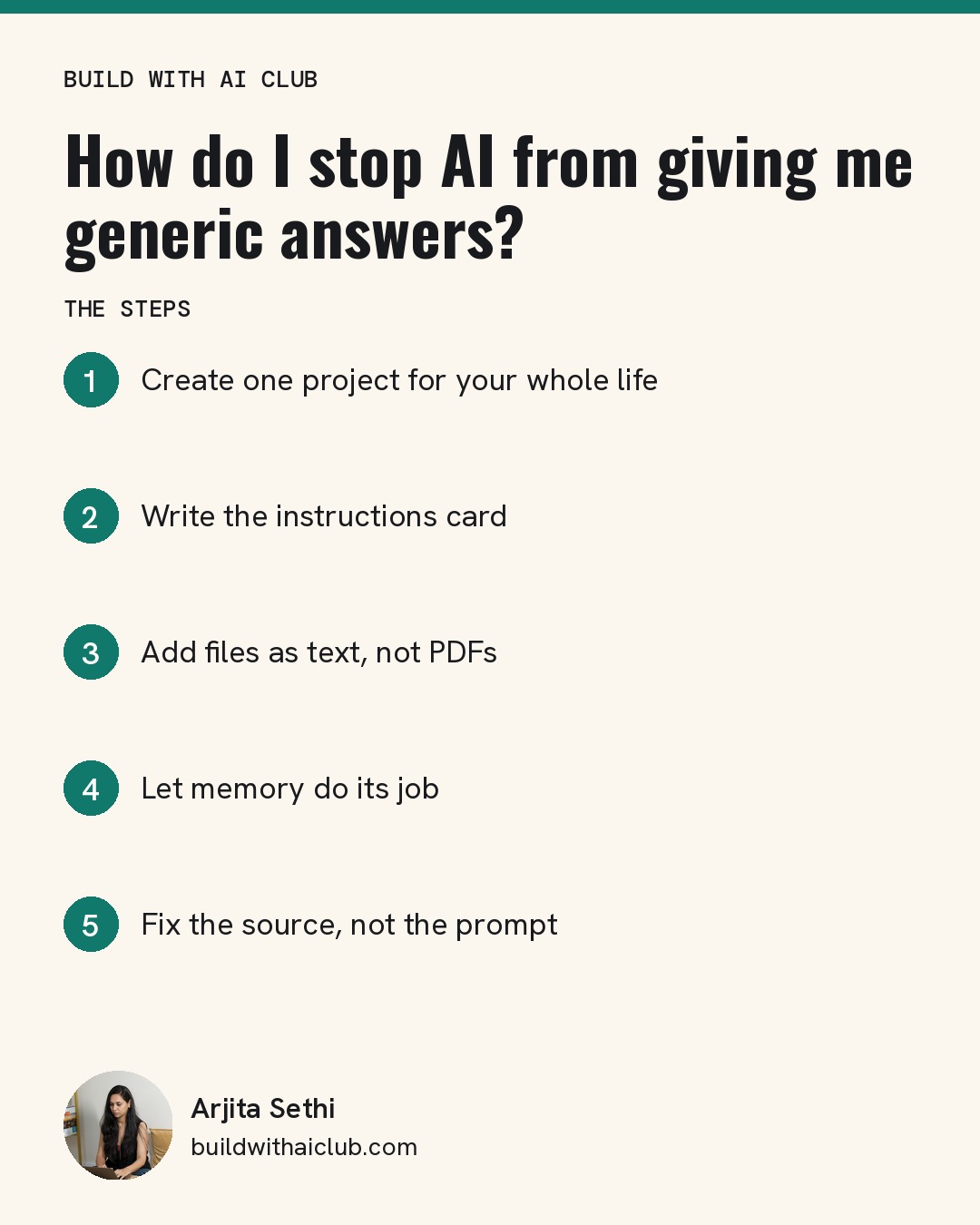
Step 1: Create one project for your whole life. In Claude, open Projects and click New Project. Name it something like "My brain." Resist the urge to make one project per business at the start. You are many things at once, and a project that only knows one of them gives answers that only fit one of them. Start with one, and split it later only if you run out of space or manage many clients.
Step 2: Write the instructions card. Answer four questions in the project instructions:
- Who are you?
- What do you run, across work, home and anything in between?
- What are you working on right now?
- How do you like your answers?
Then add: "Be direct and use plain language. If something is unclear, ask me one question. Always end with the next step I can take today."
Step 3: Add files as text, not PDFs. AI reads text best. PDFs are read like images, so they take more space and AI understands less of them. In Arjita Sethi's own setup, a project full of PDFs used 82% of its capacity, and a project holding similar material as text used 14%. Link Google Docs for anything that changes, so the project updates itself. Use markdown or plain text for anything stable, like how you work.
Step 4: Let memory do its job. Claude remembers feedback over time. Tell it when something was right and when it was wrong. Memory builds over a few days of real use, so you only train it once.
Step 5: Fix the source, not the prompt. When an answer is off, ask Claude what context it's missing, or ask it to show you the current instructions so you can update them.
What to keep out of your AI brain
Only add what you're comfortable sharing. AI is still a new technology, and nobody fully knows where it's going yet. Many people keep children's details, financial information and anything on their phone out of their AI tools entirely. Check with your employer before connecting a work account, and consider Teams or Enterprise plans if you handle client data.
Who this is for
This is for non-technical founders, professionals and parents who use AI already and keep re-prompting to get a usable answer. It isn't a coding tutorial, and you don't need any technical background.
Build it live: Join a free Build with AI Club Wednesday session and build your AI brain with Arjita. https://luma.com/build-with-ai-club