

What memory actually does
Think about a good new hire in their first two weeks. You don't re-introduce yourself every morning. They notice that you like short updates, that you hate long decks and that Fridays are busy, and they adjust. Memory is Claude's version of that.
Arjita Sethi describes it in plain terms. Each time you work with it, memory is quietly telling itself, "She said this was wrong, so next time I won't do that. She said this was great, so I'll do more of it." That's why you only have to train it once.
Memory, instructions and files do different jobs
- Instructions are the standing rules you wrote, like "be direct and end with one next step."
- Files are the context, like your documents and examples.
- Memory is what Claude has learned from working with you that you never wrote down.
When an answer is off, check all three before you start re-prompting.
How to train memory
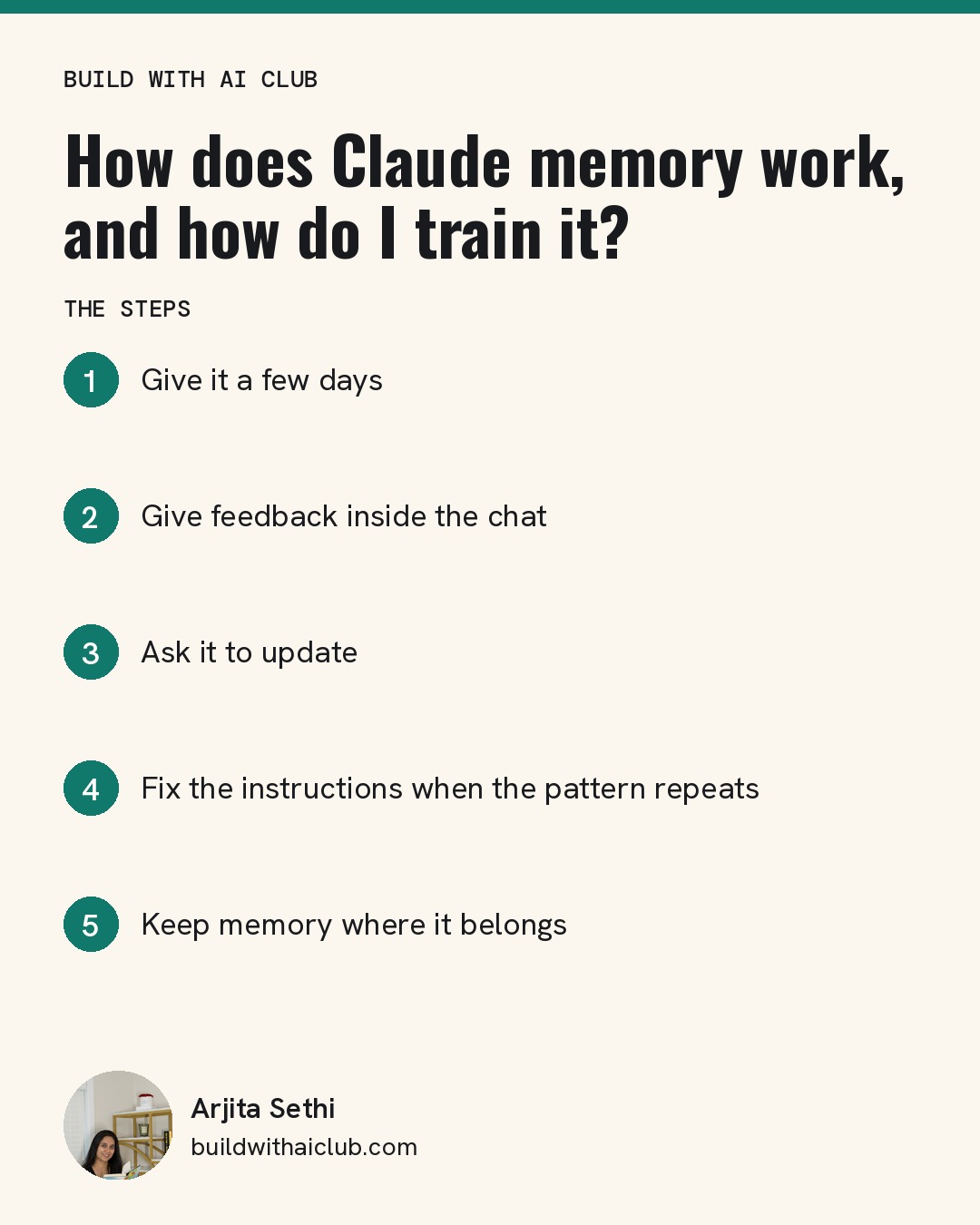
Step 1: Give it a few days. Memory doesn't appear on day one. It builds over a couple of days of real use, so use your project for actual work.
Step 2: Give feedback inside the chat. When something lands, say so. When something misses, say what was wrong. Short and specific works best: "Too formal. I write like I talk."
Step 3: Ask it to update. After a good or bad result, say "update your memory with this," or "what's missing from what you know about me?" Claude will tell you what it changed.
Step 4: Fix the instructions when the pattern repeats. If you keep correcting the same thing, it belongs in your instructions. Ask, "Show me the current instructions. I'd like to change them." Arjita has rewritten hers many times as she added businesses and wanted each one to sound different.
Step 5: Keep memory where it belongs. Arjita sets memory per project, because she has client projects and doesn't want anything from one carrying into another. If your brain project holds your whole life and your work projects hold client details, separate memory keeps them apart.
A weekly habit that helps
Arjita's brain project gets a regular review of her recent meeting notes, so new decisions and plans make it into context instead of living only in her head. You can do a simple version by hand: once a week, paste in the three things that changed and ask Claude to update its memory.
Who this is for
This is for anyone who has built a Claude project and still feels like they repeat themselves. It works the same way for beginners and heavy users, because memory grows from use, not technical skill.
Next step: Train your AI brain with Arjita at the next free Build with AI Club Wednesday session, November 18, 6 to 7 PM PT, at SHACK15 in San Francisco or online. https://luma.com/build-with-ai-club